Hollyland Blog
24 stories

Hollyland BlogMakersiPhone Muffled Microphone: How to Diagnose and Fix It (Step-by-Step) Your iPhone microphone may sound muffled without any warning. This can happen during calls or while recording audio. Someone may also say they can barely hear you.

Hollyland BlogMakersWireless Lavalier Microphone Not Pairing? 3 Fixes That Actually Work A wireless lavalier mic that refuses to pair can stop a shoot before it starts. The good news is that most pairing failures come down to a short list of fixable causes, and you rarely need to contact…
Hollyland BlogMakersWhat Is the Low Cut Switch on a Microphone and When Should You Use It? Have you noticed a small switch labeled “Low Cut” or “HPF”? You may wonder what this little switch actually does. Well, many podcasters and vloggers often ignore this setting completely.

Hollyland BlogMakersiMovie Microphone Not Working? 6 Fixes for Mac and iPhone (2026) Your mic records audio in Zoom, and QuickTime captures sound without any problems. But when you open iMovie, your recordings suddenly come out silent.
Hollyland BlogMakersHow to Remove Microphone Static in Premiere Pro (3 Methods That Actually Work) You’ve recorded your footage and added it to the timeline. Then, while listening back, you notice a steady hiss, low hum, or crackling sound underneath your dialog.

Hollyland BlogMakersHow to Sync a Microphone with Your Camera (Wired, Wireless, and Post-Production) Getting clean, synced audio is one of the most practical skills a videographer can develop. Whether you’re plugging a shotgun mic directly into your DSLR, pairing a wireless system for an interview…

Hollyland BlogMakersHow to Set Up a Microphone in Adobe Audition (Step-by-Step) Adobe Audition is a professional audio editor, but its hardware setup is less intuitive than most consumer recording tools.

Hollyland BlogMakersHollyland Black Friday Deals 2026: Lift the Price Tag and Save Up to 33% Black Friday is just around the corner, and Hollyland is bringing you exciting deals on your favorite creative gear! This year, we’re inviting you to LIFT THE PRICE TAG!

Hollyland BlogMakersHow Hollyland Supports a Fully Synchronized Live Concert in Colombia User Profile Jorge Vargas is a Colombian show producer and musician specializing in the creative development and production of live musical and corporate events.

Hollyland BlogMakersHow to Make ASMR Cleaning Videos: Setup, Sounds, and Recording Tips A dusty keyboard, a soft brush moving between keycaps, and a microfiber cloth wiping a surface can create a satisfying ASMR cleaning video.

Hollyland BlogMakersHow to Make ASMR Ambience Videos: Recording, Layering, and Editing Tips Rain tapping against a window, distant traffic, and the soft sound of turning a book page can create a relaxing listening experience.

Hollyland BlogMakersHow to Make Your Mic ASMR-Ready: Setup, Sounds, and Recording Tips A microphone can become the main attraction in an ASMR video. Gentle fingernail taps on its body, a soft brush moving across its grille, or a slow scratching pattern can create different sounds…
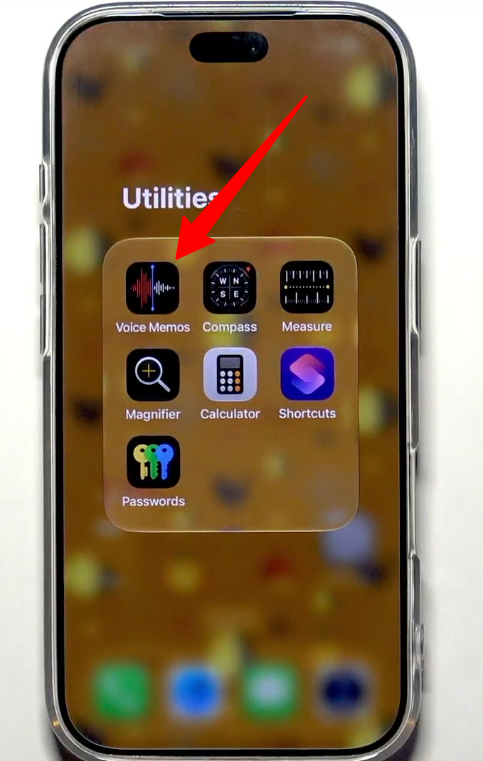
Hollyland BlogMakersHow to Test Microphone on iPhone Introduction Ever recorded a video only to hear muffled audio? Or struggled when nobody could hear you during calls? Your iPhone mic might not be working properly.

Hollyland BlogMakersHollyland Named Official Sponsor of APEC 2026 Shenzhen Meetings The 33rd Asia-Pacific Economic Cooperation (APEC) Economic Leaders’ Meeting will take place in Shenzhen on November 18 and 19, following the APEC CEO Summit and concluding a series of APEC…

Hollyland BlogMakersHow to Set Up a Webcam Microphone: Step-by-Step for Windows, Mac, and Apps Your webcam is connected, but your video call is still pulling audio from the laptop’s built-in mic. This is one of the most common setup frustrations for remote workers, educators, and streamers.
Hollyland BlogMakersHow to Remove Grain from Your Webcam (Lighting, Settings, and Software Fixes) Grainy webcam video can ruin video calls and livestreams. Poor lighting often causes this problem, not faulty camera hardware. This means fixing the issue usually costs nothing.

Hollyland BlogMakersHow to Reduce Noise in Your Webcam: Video and Audio Fixes That Actually Work Webcam noise falls into two separate problems that require different solutions. Grainy, speckled video comes from your camera’s sensor working too hard in low light.

Hollyland BlogMakersHow to Adjust Brightness on Your Webcam (Step-by-Step for Every Method) A dark, washed-out, or changing webcam image can often be fixed quickly. The hardest part is finding the correct brightness setting.

Hollyland BlogMakersHow to Use a Camera as a Webcam via HDMI (Complete Setup Guide) Your DSLR or mirrorless camera almost certainly produces better video than your laptop’s built-in webcam.

Hollyland BlogMakersHow to Use Your Android Phone as a Webcam: 3 Methods That Actually Work Your laptop’s built-in webcam probably looks mediocre on video calls, but the Android phone in your pocket may already be the upgrade you need.

Hollyland BlogMakersHow to Add a Filter to Your Webcam: 4 Methods for Any Setup There is no rocket science when it comes to adding filters to your webcam. The whole process depends on your camera model, its companion software (if there is one), and your editing preference.

Hollyland BlogMakersHow to Use a Webcam for Video Conferencing: Step-by-Step Setup Guide Getting a webcam working well on video calls takes less time than most people expect. This guide covers every stage of the process, from mounting and connecting the camera to configuring resolution…
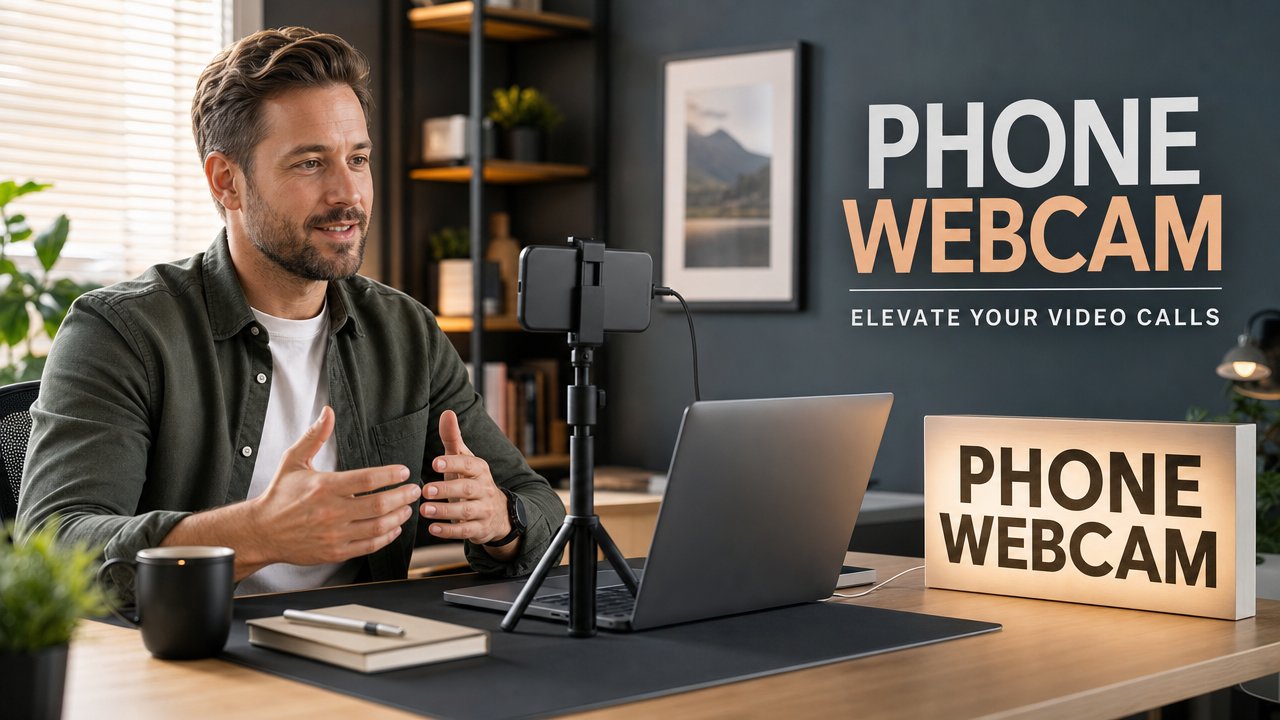
Hollyland BlogMakersHow to Use Your Phone as a Webcam for Google Meet (Step-by-Step) Your laptop’s built-in camera doesn’t have to limit your Google Meet calls. Whether it’s broken, blurry, or underwhelming, your smartphone camera is almost certainly better, and with the right setup…
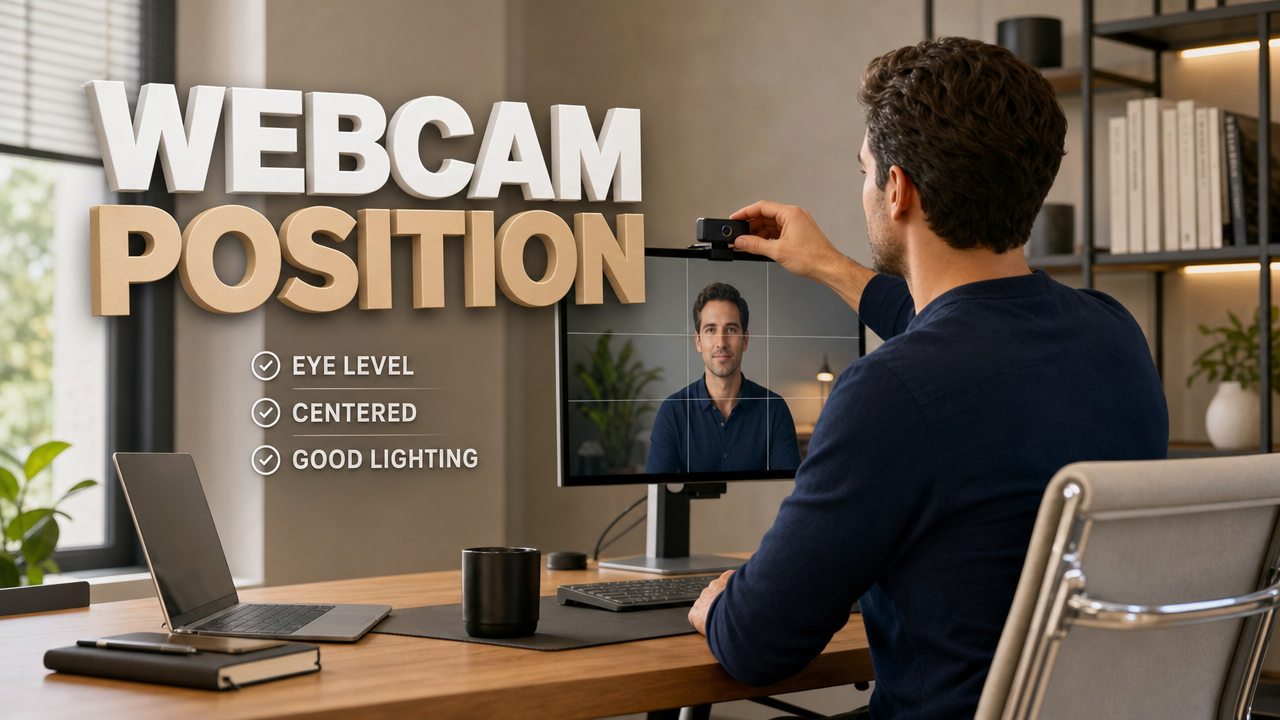
Hollyland BlogMakersHow to Position a Webcam on Your Monitor: Step-by-Step for Better Video Calls Getting webcam placement right takes only a few minutes and immediately improves how you appear on video calls.
Nothing matches this filter yet.